
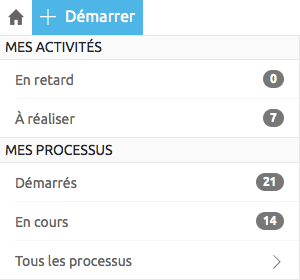
To track your process, use the navigation to the left of the screen and click In process in MY PROCESS section. The list of ongoing processes is displayed in the right part. You can search through it and additional actions are available to you by the  pictogram.
pictogram.