
WEHOOP 3 enables you to find your content from each of the views that are available. Some conventions are planned to formulate your search. These are described below.
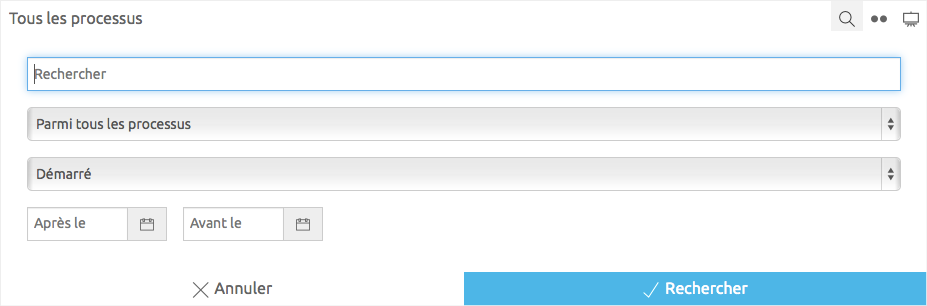
How to do ?
- Select a view in the left menu of your space. For example : MY PROCESS > In Process.
- In the action bar located at the top of the view, click on the
 icon.
icon. - Enter what you are looking for and click on the Search button.
The dialog closes and you are presented with the results of your search. Also note that the icon is blue, indicating that a search is active. To clear your search, click on the icon then the Cancel button at the bottom of the dialog to redisplay all content.
Query Formulation
- a
- b
- c